
Legal Case Management Template | Airtable + Zite
Intake, case tracking, client portal, and document management. Explore it free or get it adapted to your firm.

Cases pile up. Deadlines live in someone’s head. Documents scatter across inboxes and folders. This gives you one place to run the work.
[Try the App] · [View Backend]
The Blueprint
See the full scope before anything gets built: users, features, flows, and how the system fits together.
Blueprint
The Team Portal
The internal workspace for managing cases, deadlines, documents, and day-to-day progress.
Open Zite Team Portal in new tab →
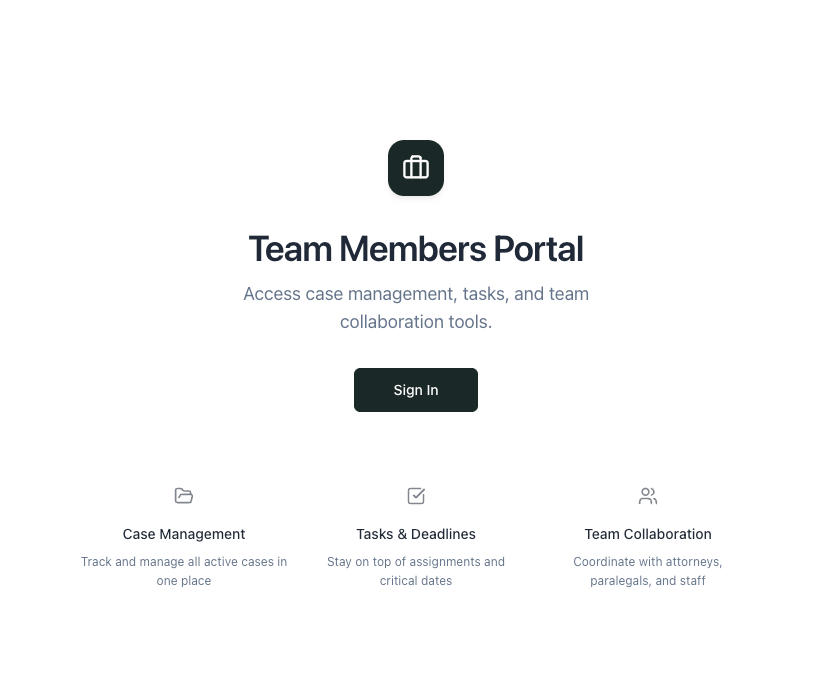
The Client Portal
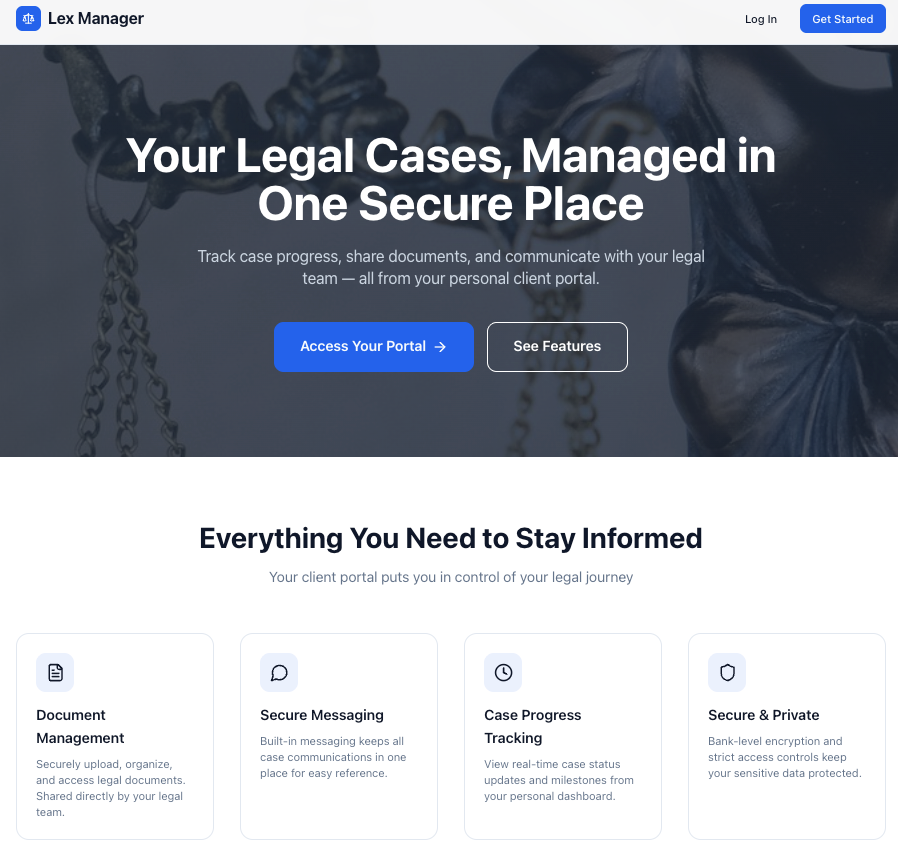
A secure client view for updates, shared documents, and case visibility without the back-and-forth.
Open Zite Client Portal in new tab →
The Backend
The Airtable base underneath it all: tables, relationships, automations, and the structure that makes the app work.
What’s included
Client intake
A web form captures new leads and creates records automatically. Conflict checks happen before engagement. Leads convert into active cases without re-entering data.
Case tracking
Track each matter from intake to close. Assign team members, log status changes, and see where every case stands without chasing updates.
Document management
Store files against the right case, organize them by type, and control what clients can see.
Deadline tracking
Track court dates, filing deadlines, and internal follow-ups in one place. Calendar view shows what’s coming. Reminder emails handle the rest.
Client portal
Clients get a secure login to view updates, shared documents, and case activity without emailing or calling for status.
Automations
Lead capture, reminders, status logging, and other repetitive admin happen automatically in the background.
Two ways to use it
Build it yourself: Free
Explore the app, the Airtable base, and the blueprint. Rebuild it in your own accounts and adapt it at your own pace.
No gatekeeping. No hidden structure.
Get it built for your firm: From $2,000
If you want this adapted properly to your workflow, we start with a Blueprint session.
That gives you:
- process mapping
- scope
- architecture decisions
- data design
- a clear build plan
Blueprint starts at $299.
Most full builds land between $3,000 and $8,000, depending on features needed.
Questions we hear often
Works for small firms?
Yes. Solo practice or team of 20, the structure holds. Stages, case types, document categories, and permissions can all be adjusted.
How does deadline tracking work?
Add a date, assign the type, and the system handles reminders and visibility. Simple on purpose.
Can clients really see their case status?
Yes. They log in, see shared updates and documents, and only what you choose to expose.
What if I break something?
If you rebuild it in your own stack, it’s yours to modify. Add fields, remove workflows, change stages. That’s the point.
Can I use a different frontend?
Yes. The backend can connect to Softr, Stacker, Glide, custom code, or another frontend if that makes more sense.
Can I use real data in the demo?
No. The demo is shared. Use it to explore the workflow, not for live client work.
What next
Explore the demo
Open the app and backend side by side to see how the pieces connect.
Review the blueprint
See the feature map, user roles, and system structure before you build anything.
Get it adapted
If you want this set up for your firm, start with a Blueprint mapping exercise.
Questions: connect@opstwo.com